Becoming an admin on Left 4 Dead 2 server
- Firstly, navigate to your File Manager.

-
Then go to
left4dead2 => addons => sourcemod => configs => admins.cfg. -
Scroll down to the end of the script until you find:
Admins
{

}
- Now you need to input your info in this format:
  "PlayerNickname"
  {

   "auth"  "steam"

   "identity"  "insert_players_steamID"

    "flags"  "z"

    "immunity"  "99"

  }
In the end, it should look something like this:
Admins
{

  "PlayerNickname"
  {

   "auth"  "steam"

   "identity"  "insert_players_steamID"

    "flags"  "z"

    "immunity"  "99"

  }

}
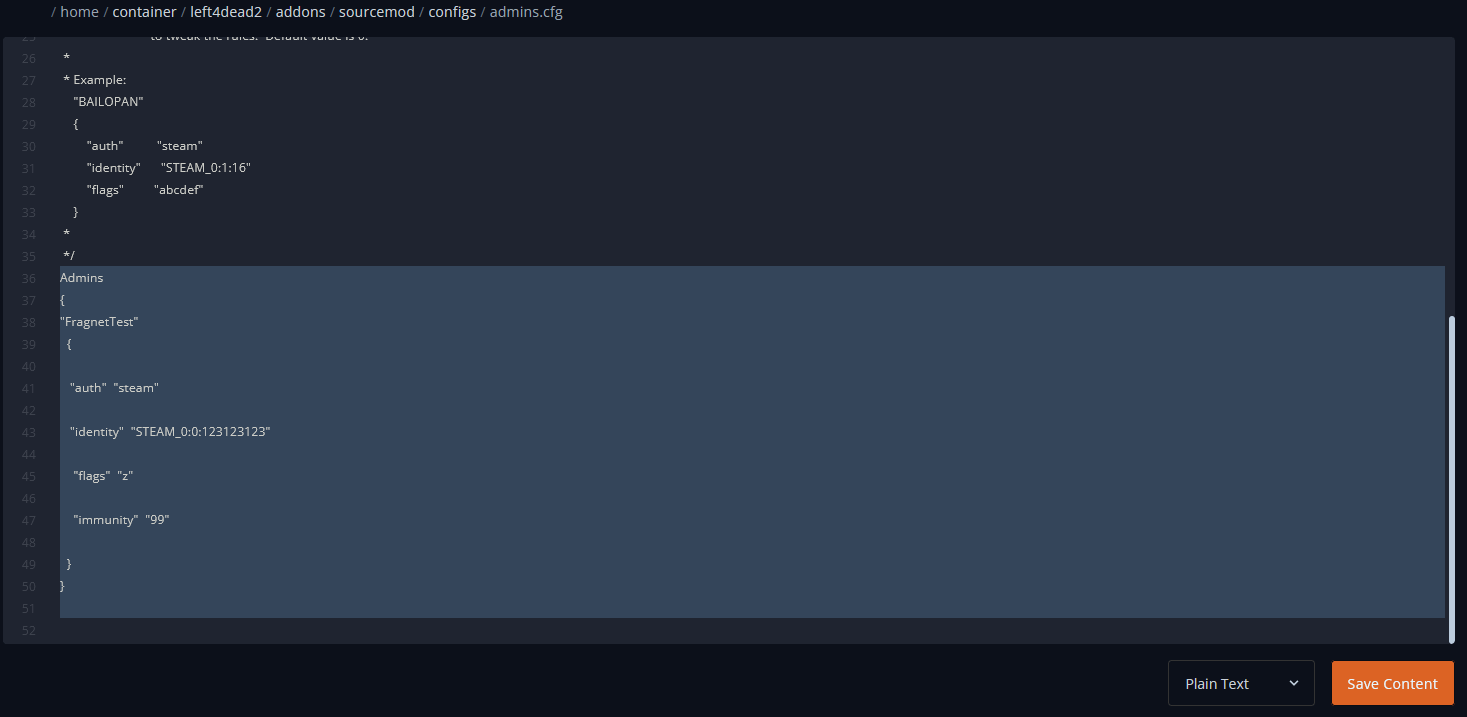
- Once done, click on Save Content and Start/Restart your server.