Changing server name of your Satisfactory server
Changing your server name is very simple in Satisfactory.
*Do note you will need to have added your server and claimed it before being able to change the name. If this hasn't been done, please do follow the guides we have in store regarding adding the server and claiming it.
To change your server name, follow these simple steps:
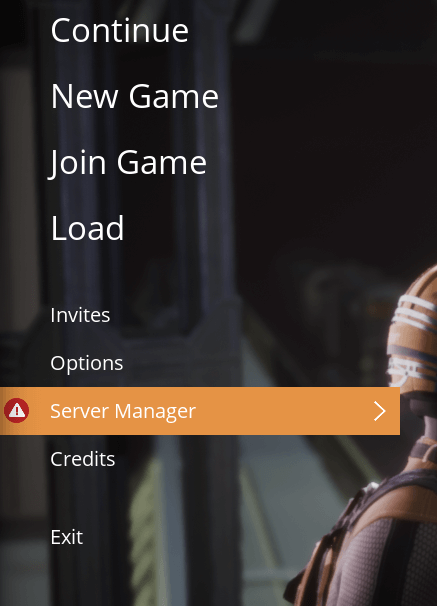
1. Go to your Main Menu and click on Server Manager.
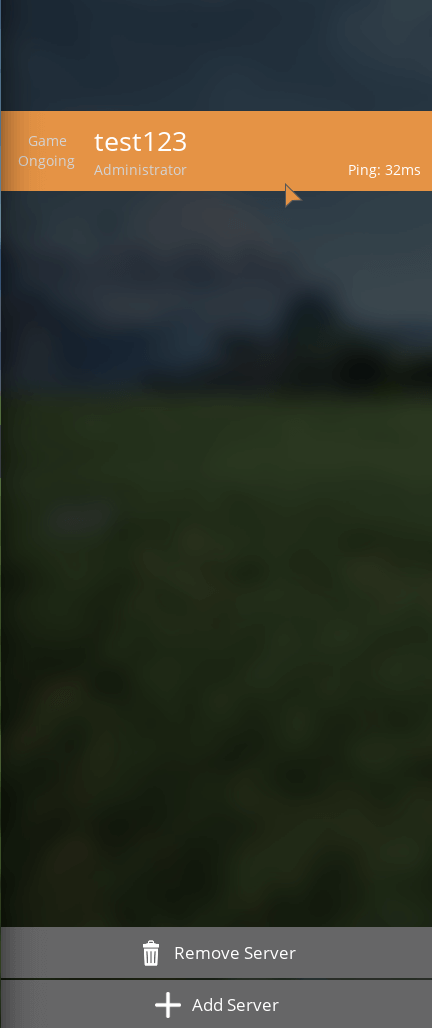
2. Click on your server.
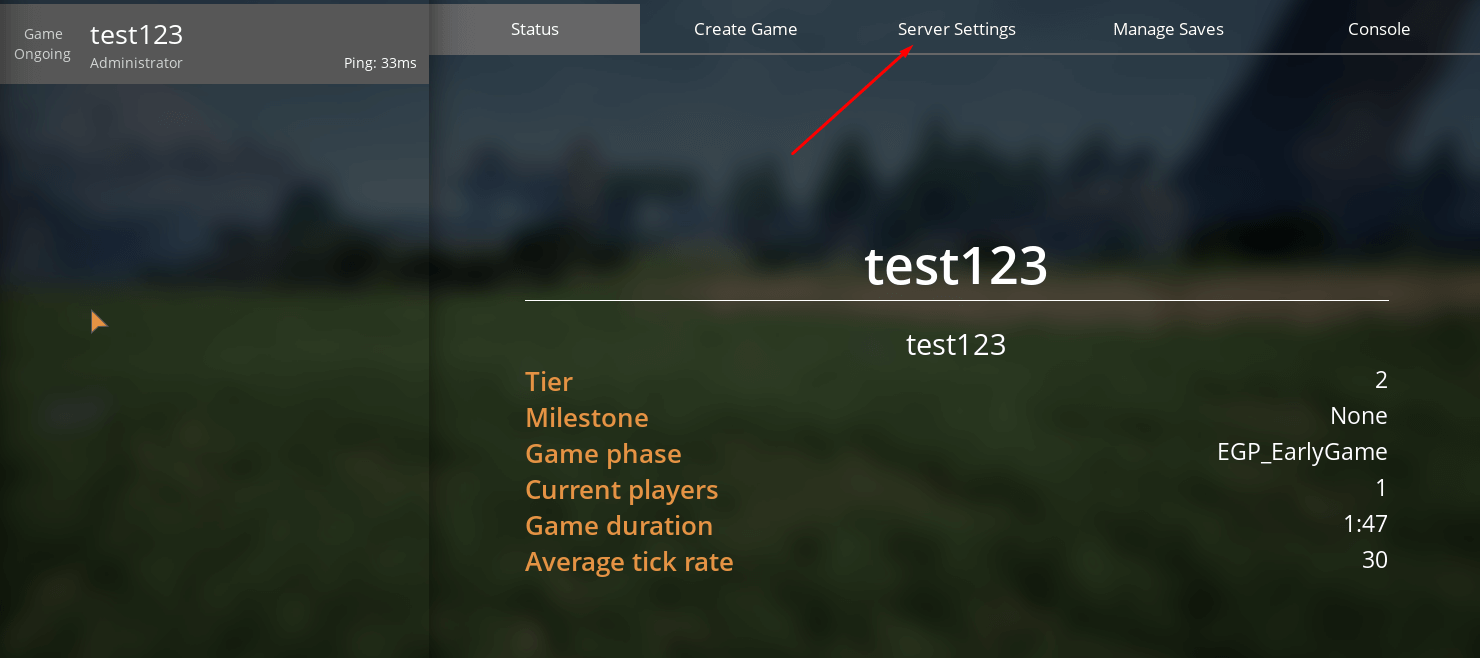
3. On the right side, various tabs should appear. Press the Server Settings tab.
4. Once there, click on the Server Name field and rename your server.
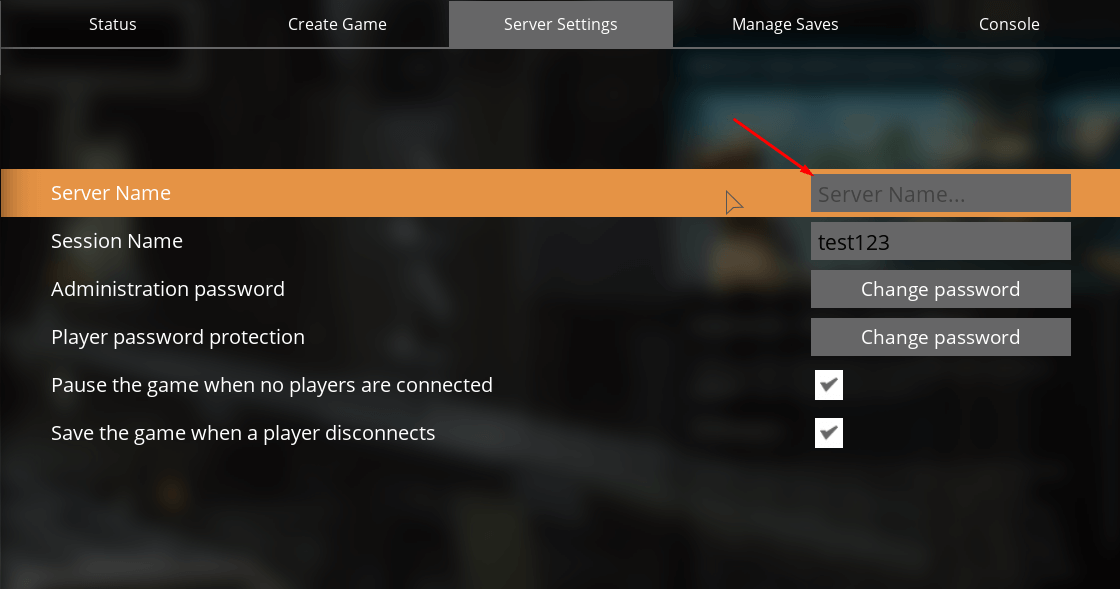
5. Done! You have renamed your server.
Renaming the server in the Fragnet dashboard only changes its name in your dashboard lists. Players see the name you set in the game's Server Manager. See Rename the server.