"This server appears to be offline" message and how to solve it
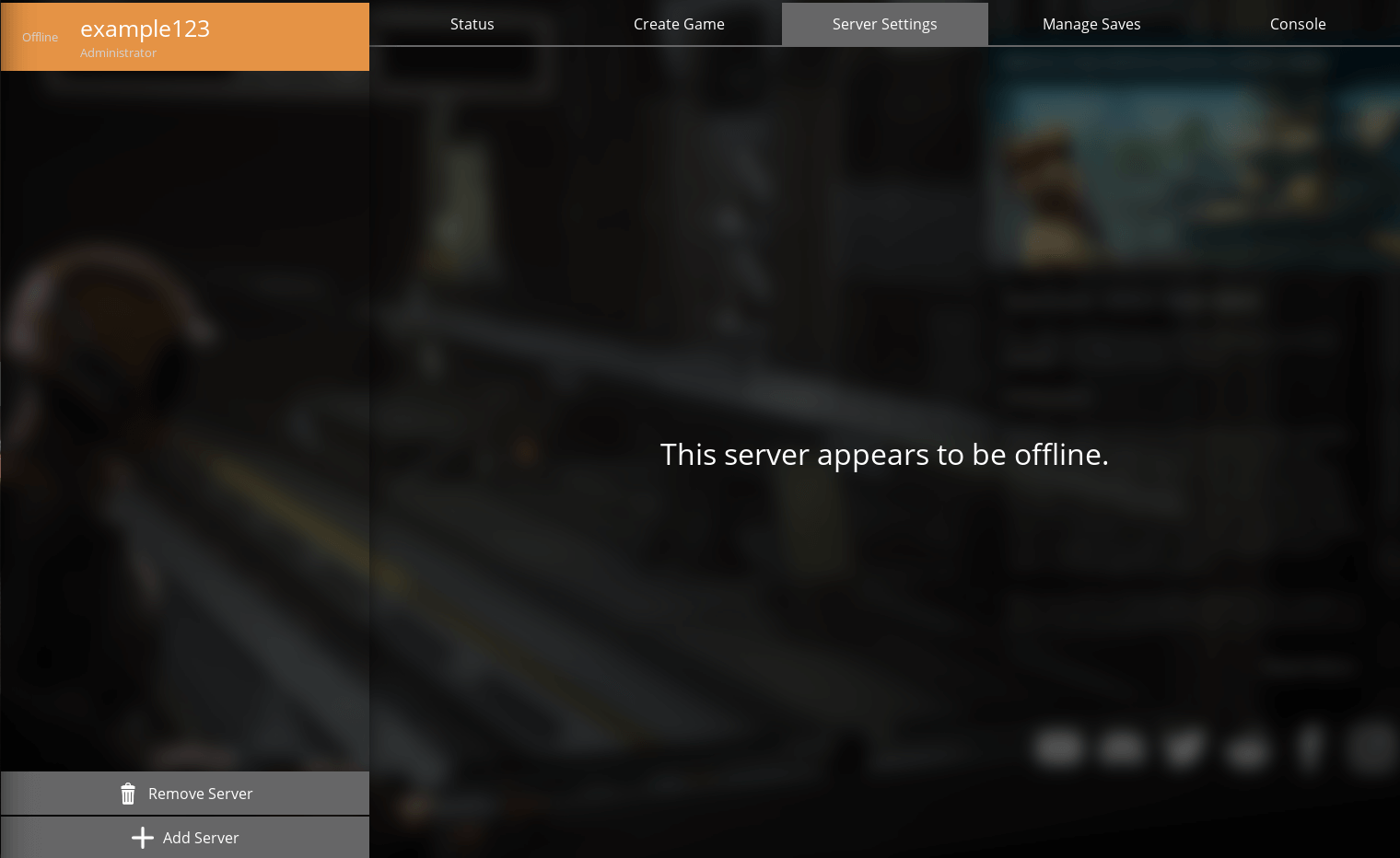
This is a known issue in the game itself.
Staying on the main menu while your Server Manager is selected will have a chance to give you a "This server appears to be offline" even though the Fragnet dashboard shows the server as running.
To make the server “online” in your game all that has to be done is to restart your game and the server will appear as running again.
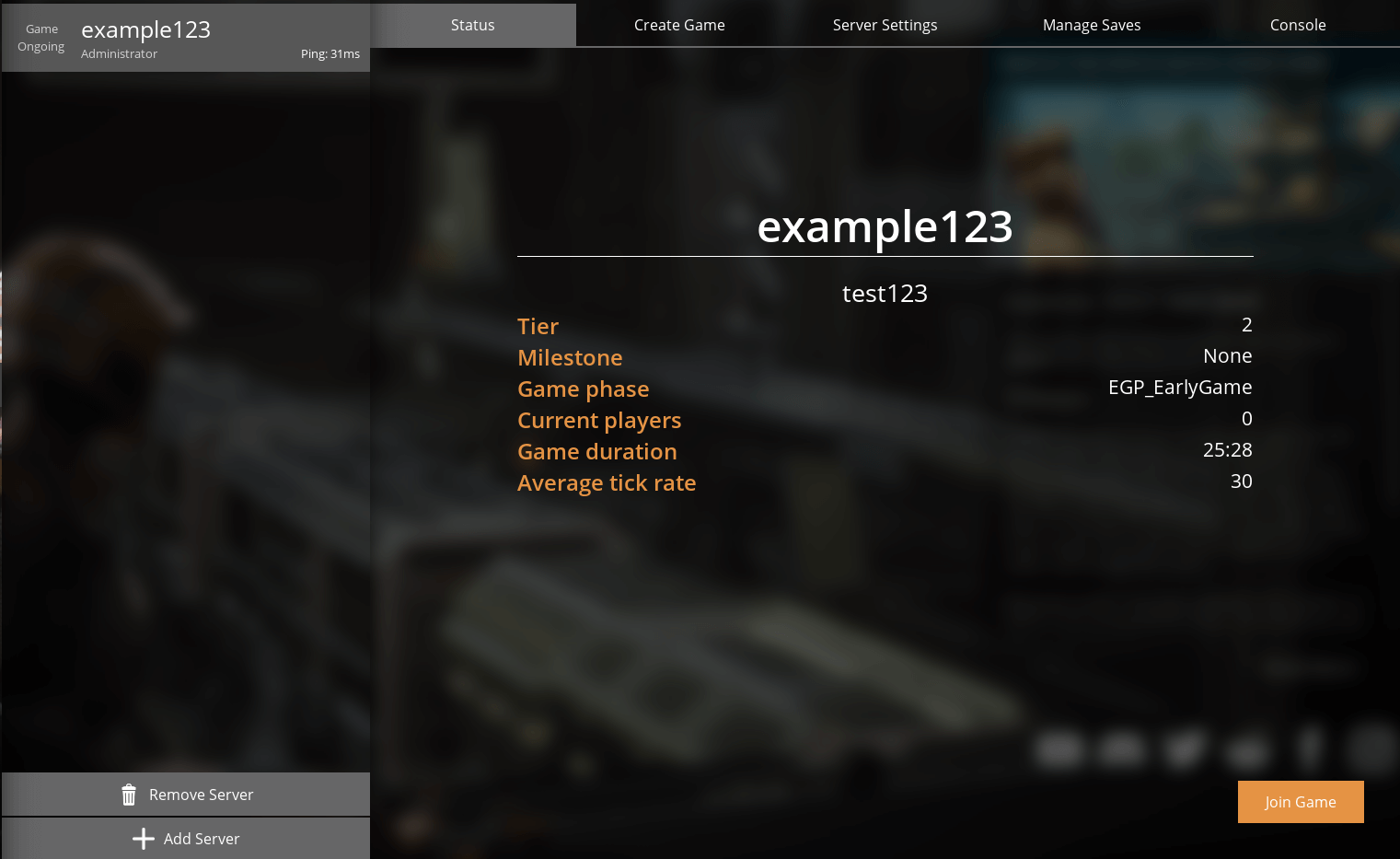
If the server still appears offline after restarting the game, check the following:
- In the dashboard, the server's status is running and the console on the Overview tab shows no errors. See Console.
- You added the server in Server Manager with the port from Address in the Server Details card, not an old query port. See Claiming and joining your Satisfactory server.