Connecting to your Minecraft server
You can join your server via Direct Connection or by Adding it in-game.
Please note that you need to have the same version of your client-side Minecraft as your server's version.
-
Login to your Fragify panel account and select your server.
-
You should see your server's IP address and port under your server's name.

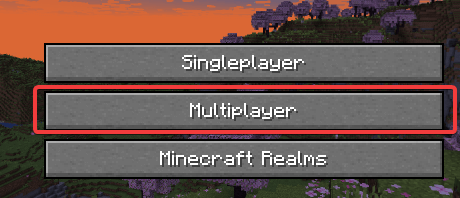
- Make sure that your server is running and launch Minecraft. Select the Multiplayer option in the main menu.
-
You can select either Direct Connection or Add Server option.

-
If you have selected Direct Connection, you can input the IP address and the port of your server => Click on the Join Server button.

If you have selected Add Server, you must input your server's name and IP address with port => Click on the Done button. Afterwards, you should see the server in the list, and you can click on it to connect.
