Accessing Your Control Panel
This guide explains how to locate and access the control panel for your Farming Simulator 2025 server, where you can start, stop, configure, and manage your server's settings.
Step 1: Log in to the Client Area
Navigate to the Fragnet client area: clients.fragnet.net
If you have issues logging in, we recommend resetting your password or contacting our support.
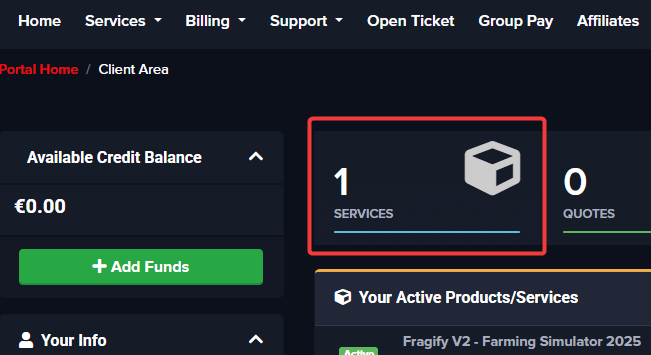
Step 2: Go to Services
Click on Services in the navigation menu.
Step 3: Select Your Server
Select your active FS25 server from the list.
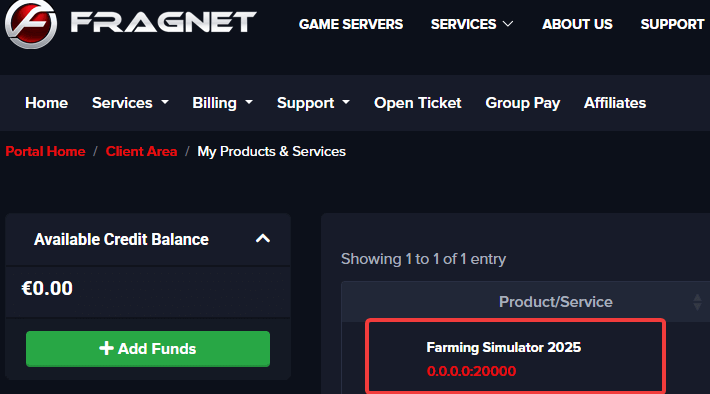
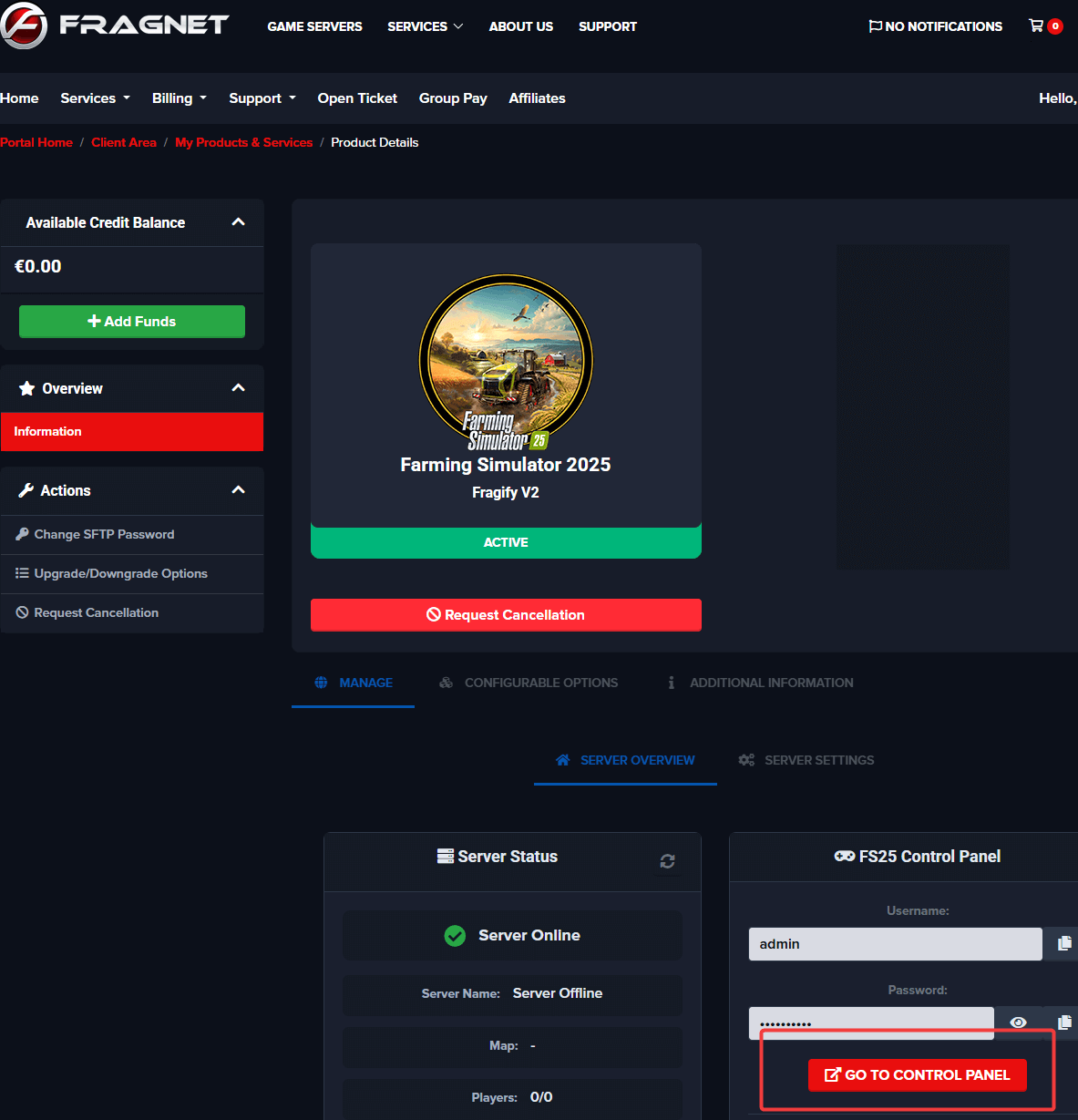
You should see the login to control panel link and the credentials that can be used on the login page.
Changing Your Control Panel Password
To change the password for your FS25 control panel:
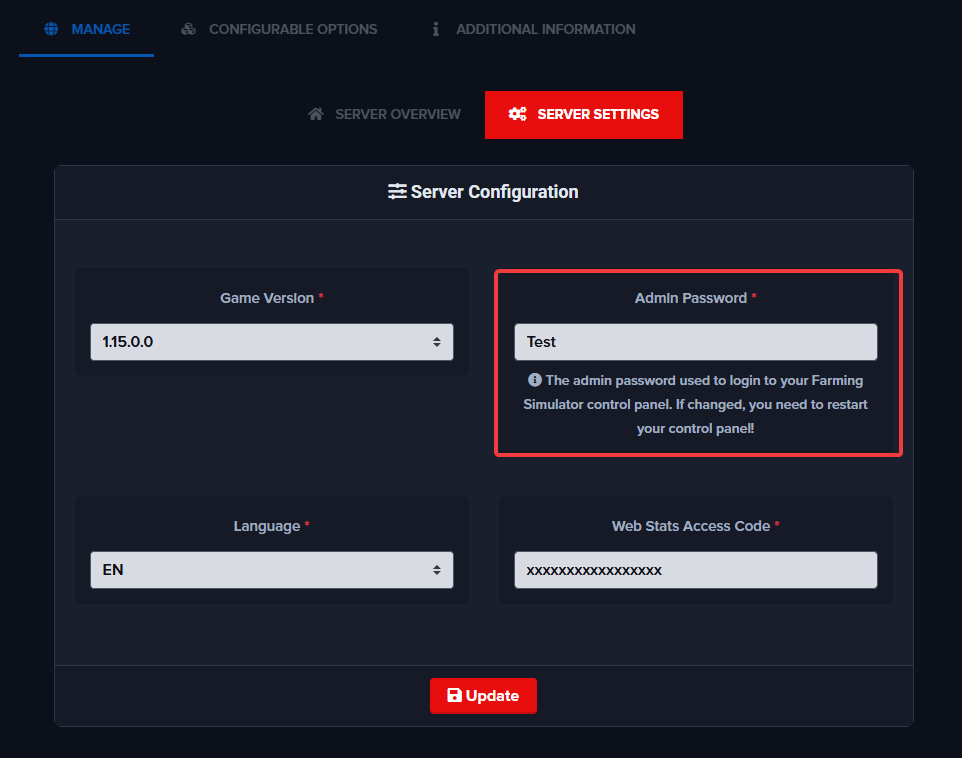
- Go to Server Settings
- Set Admin Password to your preference
- Click the Update button to save the password
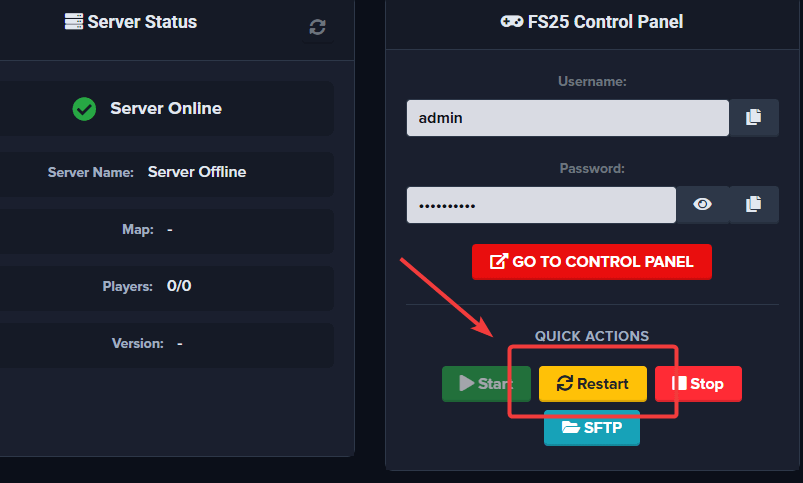
- Go back to the Server Overview tab
- Click Restart from the Quick Actions menu to apply the new password