Generating Cluster Token for your Don't Starve Together server
It is neccessary to generate a token for your server to run and to be accessible in-game. This guide will show you on how to proceed with setup of token for your Don't Starve Together server.
-
Login to your Klei account here: https://accounts.klei.com/login and go to
Games=>Don't Starve Together. Alternatively, you can use this link: https://accounts.klei.com/account/game/servers?game=DontStarveTogether -
You will need to input the Cluster name and click on Add New Server.

-
After adding server, you will see the generated token. Copy the token and paste it in
Configure=>Base Settings=>Server Token.
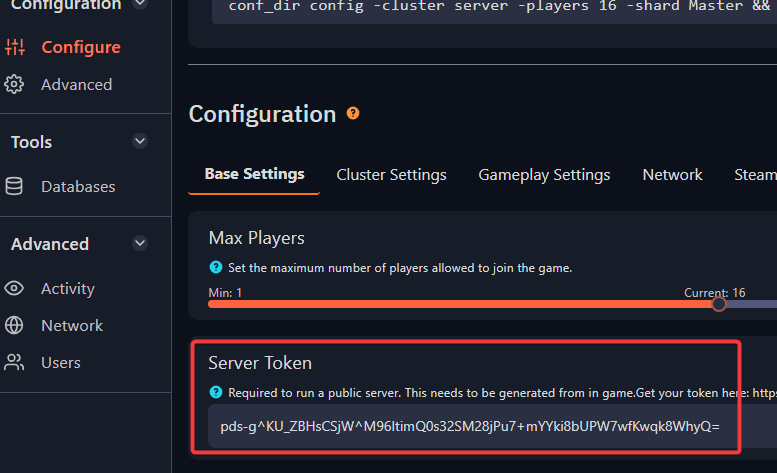
Afterwards, you can start/restart your server for this change to be applied.